
Automate Django Deployment on Apache using GitHub Actions
E asily automate your Django project deployment to an Apache server using GitHub Actions, allowing seamless, efficient code updates and deployments directly from GitHub to your live VPS.
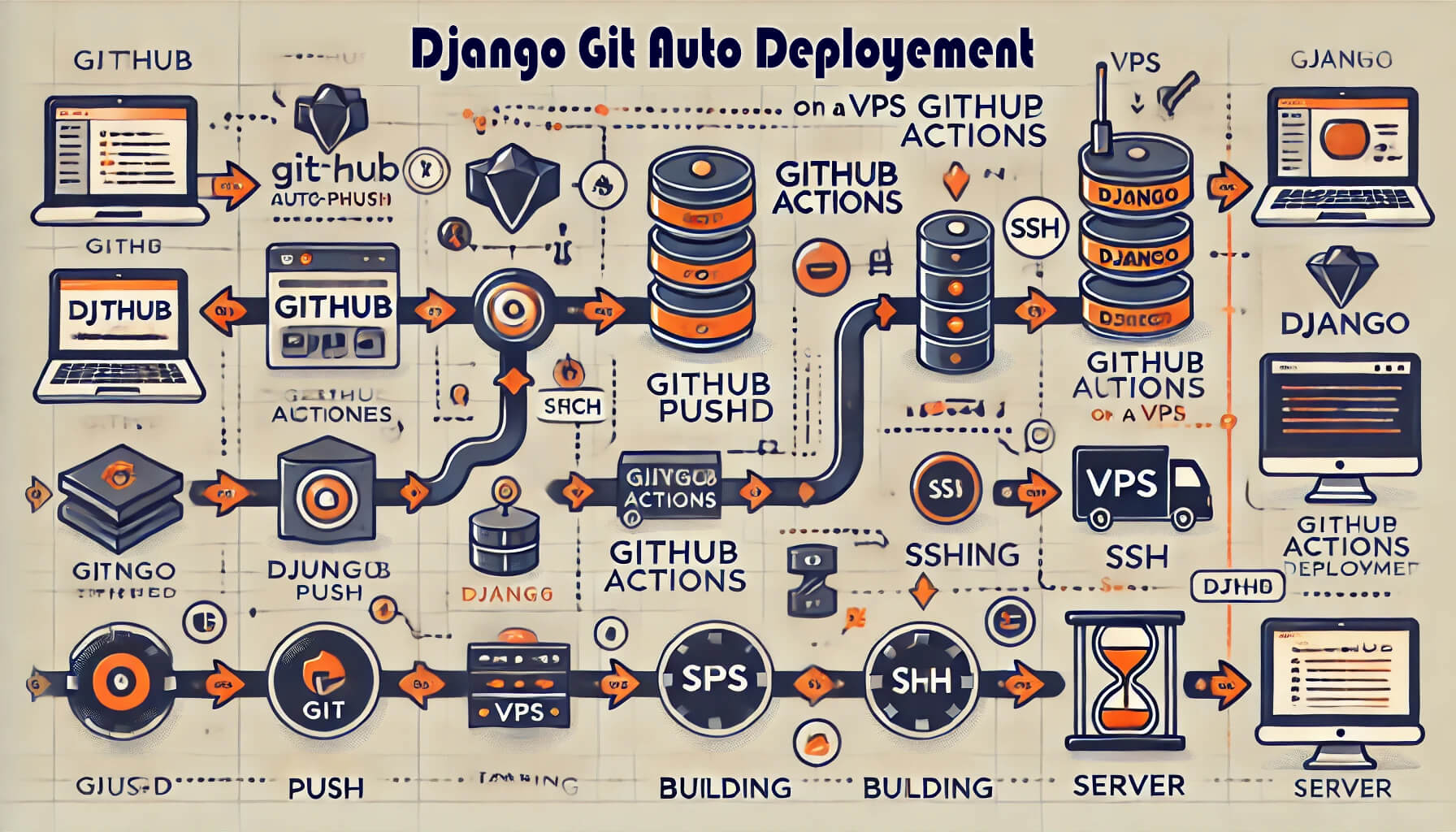
Steps to Set Up GitHub Actions for Django Deployment
1. Set Up Your VPS for Deployment
Ensure your VPS is ready for deployment. Set up your production environment:
Install Python, Django, and required dependencies:
sudo apt update
sudo apt install python3 python3-venv python3-pip
Install and configure Apache and Gunicorn:
sudo apt install apache2 libapache2-mod-wsgi-py3
Configure your PostgreSQL/MySQL database if using.
2. Generate SSH Keys for GitHub and Server
Generate SSH keys on your server to allow GitHub Actions to access the VPS without requiring a password:
ssh-keygen -t rsa -b 4096 -C "your_email@example.com"Add the public key to your VPS at ~/.ssh/authorized_keys.
Add the private key as a GitHub secret under your repository settings as SSH_PRIVATE_KEY.
3. Create a GitHub Actions Workflow File
In your Django project, create the workflow file under .github/workflows/deploy.yml.
name: Deploy Django Project
on:
  push:
    branches:
      - master
jobs:
  web-deploy:
    name: Deploy
    runs-on: ubuntu-latest
    steps:
      - name: Get the latest code
        uses: actions/checkout@v4
      - name: Deploy to Server
        uses: appleboy/ssh-action@master
        with:
          host: ${{ secrets.HOST }}
          username: ${{ secrets.USERNAME }}
          port: ${{ secrets.PORT }}
          key: ${{ secrets.SSH_PRIVATE_KEY }}
          script: "cd /var/www/django.amankhalsa.in/django_personal && ./.scripts/deploy.sh"
4. Set Up Secrets in GitHub
In your GitHub repository, navigate to Settings > Secrets and create the following secrets:
HOST: Your server's IP address.
USERNAME: The username to SSH into your VPS.
SSH_PRIVATE_KEY: The private key generated for SSH.
PORT: The SSH port (usually 22).
5. Create a Deployment Script
On your local machine, open your project in VS Code or any editor. Then follow these steps:
Create a folder named .scripts inside your root project folder (e.g., /.scripts).
Inside the .scripts folder, create a file with a .sh extension (e.g., /.scripts/deploy.sh).
Write the following script inside the .sh file:
#!/bin/
set -e
echo "Deployment started ..."
# Navigate to the project directory
cd /var/www/django.amankhalsa.in/django_personal
# Pull the latest version of the app
git pull origin master
echo "New changes copied to server!"
# Activate Virtual Env
source my_env/bin/activate
echo "Virtual env 'my_env' Activated!"
# Install Dependencies
echo "Installing Dependencies..."
pip install -r requirements.txt --no-input
# Collect Static Files
echo "Serving Static Files..."
python manage.py collectstatic --noinput
# Run Database Migrations
echo "Running Database Migrations..."
python manage.py makemigrations
python manage.py migrate
# Deactivate Virtual Env
deactivate
echo "Virtual env 'my_env' Deactivated!"
# Reloading Apache to reflect changes
sudo systemctl restart apache2
echo "Apache Restarted!"
echo "Deployment Finished!"
6. Set File Permissions for the Script
Navigate to the .scripts folder and set file permissions for the .sh file:
git update-index --add --chmod=+x deploy.sh
7. Pull Changes from GitHub
Before automating the deployment, pull the changes from GitHub just once on your server:
git pull
8. Automate Deployment with GitHub Actions
Now your deployment process is automated! When you make changes to your project on your local machine, simply commit and push the changes to your GitHub repository. The changes will automatically be deployed to your live server.
You can track your deployment progress in the GitHub Actions tab.
9. Fixing File Permission Errors
If you encounter any file permission errors during the action, adjust the file permissions on the server accordingly.
10. All Done!
Your deployment process is now fully automated. Simply commit and push changes to your GitHub repository, and the deployment will happen seamlessly on your live server.
Thank you for visiting my blog!
I hope you found this guide on automating Django deployment using GitHub Actions helpful. If you have any questions or need further clarification, feel free to reach out. Your support means a lot!
Leave a Comment
Video

2 Comments
xeuxoizeuppihi
1 year ago1 replies
xeuxoizeuppihi
1 year ago