
How to Clone a Private Laravel Project on a VPS: Step-by-Step Guide
L earn how to securely clone a private Laravel project on your VPS. This step-by-step guide covers SSH access, setting up authentication with SSH keys or GitHub tokens, cloning the repository, installing dependencies, configuring environment variables, and setting proper permission
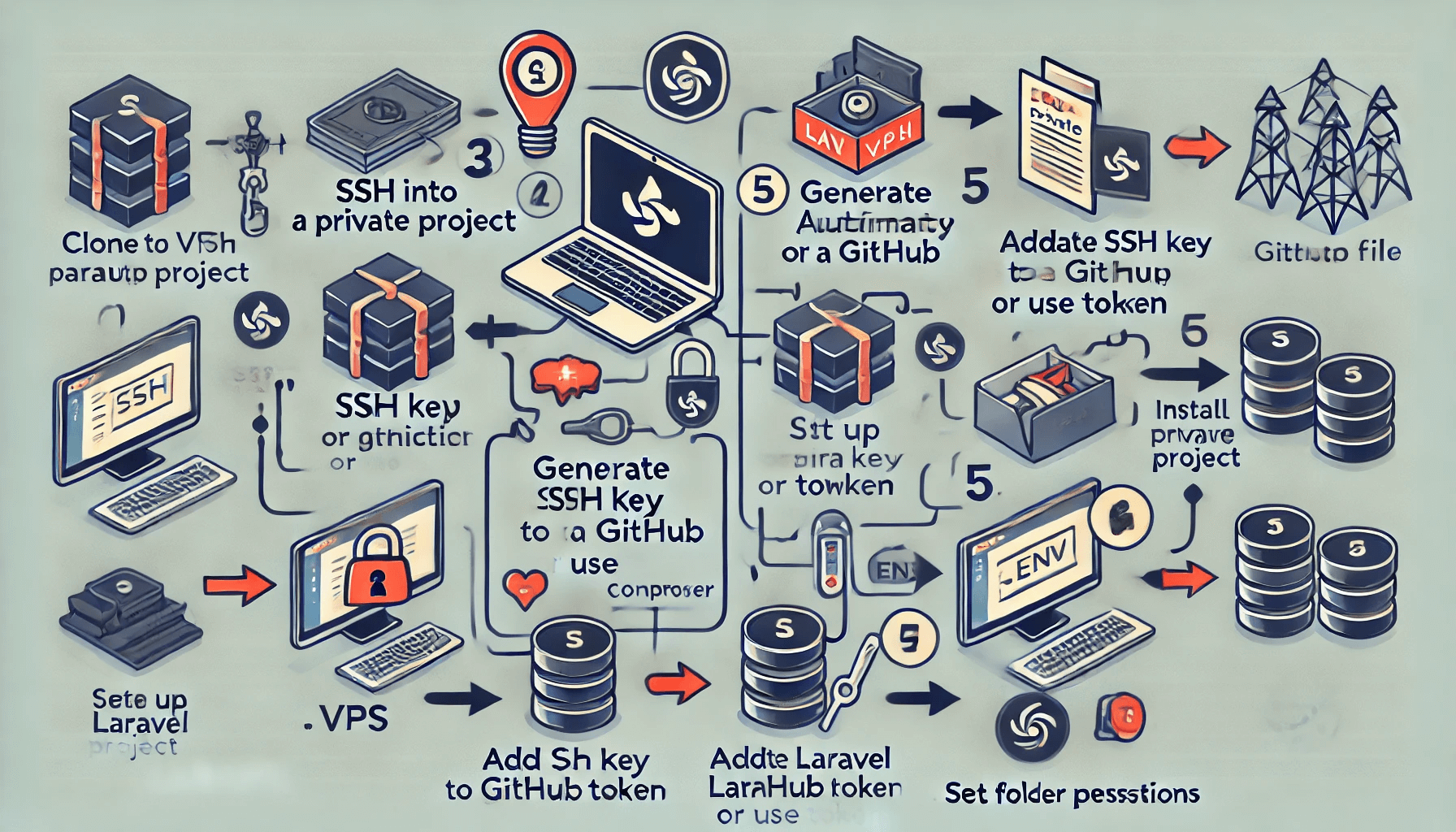
Steps to Clone a Private Repository on a VPS:SSH into your VPS: As usual, SSH into your VPS:
ssh username@your_vps_ipNavigate to the desired directory: Navigate to the directory where you want to clone the project:
cd /path/to/your/project/directoryAuthenticate using SSH key or GitHub Token:
Option 1: Using SSH Key
Generate an SSH key (if you don't have one already): On your VPS, run:
ssh-keygen -t rsa -b 4096 -C "your_email@example.com"Press Enter to accept the default location, and optionally, add a passphrase.
Add your SSH key to the SSH agent:
eval "$(ssh-agent -s)"Copy the SSH key to your clipboard:
ssh-add ~/.ssh/id_rsa
ssh -T git@github.com
cat ~/.ssh/id_rsa.pubCopy the output (your SSH public key). Add the SSH key to your GitHub account:
git clone git@github.com:your_username/your_private_repo.git
Option 2: Using GitHub Personal Access TokenGenerate a Personal Access Token:
git clone https://your_github_username:your_github_token@github.com/your_username/your_private_repo.gitReplace your_github_username with your GitHub username, and your_github_token with the Personal Access Token you generated.
Continue with the Setup: After cloning the repository, follow the usual Laravel setup steps:
Navigate into the project directory:
cd your_private_repoInstall dependencies:
composer installSet up the environment variables:
cp .env.example .envGenerate the application key:
php artisan key:generateSet permissions:
sudo chown -R www-data:www-data storageThis should allow you to successfully clone a private repository and set up the Laravel project on your VPS. Let me know if you need more details!
sudo chown -R www-data:www-data bootstrap/cache
Thank you for taking the time to read my blog post! I hope this guide has been helpful in walking you through the process of cloning a private Laravel project on your VPS. Setting up projects can be challenging, but with the right steps, it becomes much easier. Whether you’re deploying a new application or managing an existing one, I’m glad I could assist you in this journey.
If you have any further questions or need additional support, feel free to reach out. I appreciate your visit and look forward to providing more valuable content in the future.
Happy coding!
- Go to your GitHub SSH Keys Settings.
- Click New SSH Key and paste the public key you copied from the VPS.
- Clone the private repository using SSH:
- Go to your GitHub Developer Settings.
- Click on Generate new token and select the required scopes (e.g., repo).
- Copy the generated token.
Leave a Comment
Video

2 Comments
John
1 year ago1 replies
Dev
1 year ago1 replies