
Harnessing the Power of Laravel's HTML Facade for Dynamic Web Development
E levate your Laravel web development skills with our comprehensive guide to Laravel's HTML facade. Explore how to create dynamic HTML content effortlessly using Laravel's HTML macros, entity conversion functions, link generation methods, and more. Streamline your web development workflow and enhance code efficiency with Laravel's powerful HTML facade.
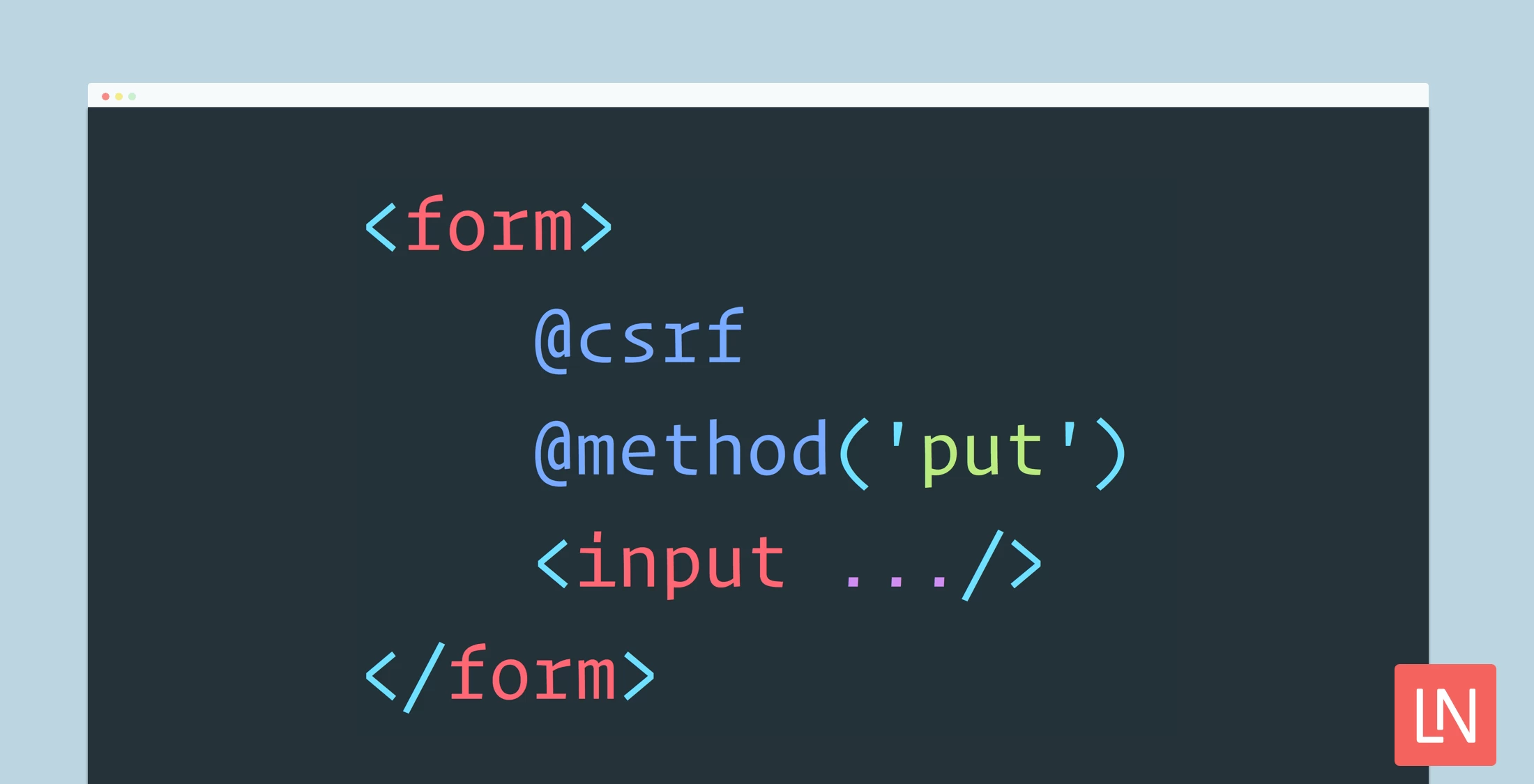
In Laravel, the HTML facade provides a convenient way to generate HTML elements dynamically, streamlining the process of building dynamic web pages. Let's dive into the myriad functions offered by Laravel's HTML facade and explore how they can enhance your web development workflow.
Leveraging HTML Macros One of the most powerful features of Laravel's HTML facade is the ability to define custom HTML macros. These macros allow you to encapsulate commonly used HTML patterns into reusable functions, improving code readability and maintainability.
Elevate your Laravel web development skills with our comprehensive guide to Laravel's HTML facade. Explore how to create dynamic HTML content effortlessly using Laravel's HTML macros, entity conversion functions, link generation methods, and more. Streamline your web development workflow and enhance code efficiency with Laravel's powerful HTML facade.
HTML::macro('name', function(){});HTML::entities($value);
HTML::decode($value);
HTML::script($url, $attributes);HTML::style($url, $attributes);
HTML::image($url, $alt, $attributes);
Creating Dynamic Links
Easily create HTML links to routes, controller actions, email addresses, and more using Laravel's HTML facade, with support for secure HTTPS links and asset linking.
HTML::link($url, 'title', $attributes, $secure);
HTML::linkRoute($name, 'title', $parameters, $attributes);
HTML::linkAction($action, 'title', $parameters, $attributes);
HTML::mailto($email, 'title', $attributes);
HTML::ol($list, $attributes);
HTML::ul($list, $attributes);
HTML::attributes($attributes);
HTML::email($email);
Leave a Comment
Video

0 Comments